- Vadym Humeniuk - Resident Architect
- Datapunkt Platform
- Hits: 224
Deploying Datapunkt
Introduction
In the realm of modern data analytics, deploying a robust and efficient platform is paramount for organizations seeking to harness the power of their data effectively. Datapunkt, a powerful data exploration, management and visualization platform, offers a comprehensive solution for organizations looking to streamline their data analytics workflows. In this article, we'll explore three distinct methods for deploying Datapunkt, each catering to different use cases and deployment scenarios.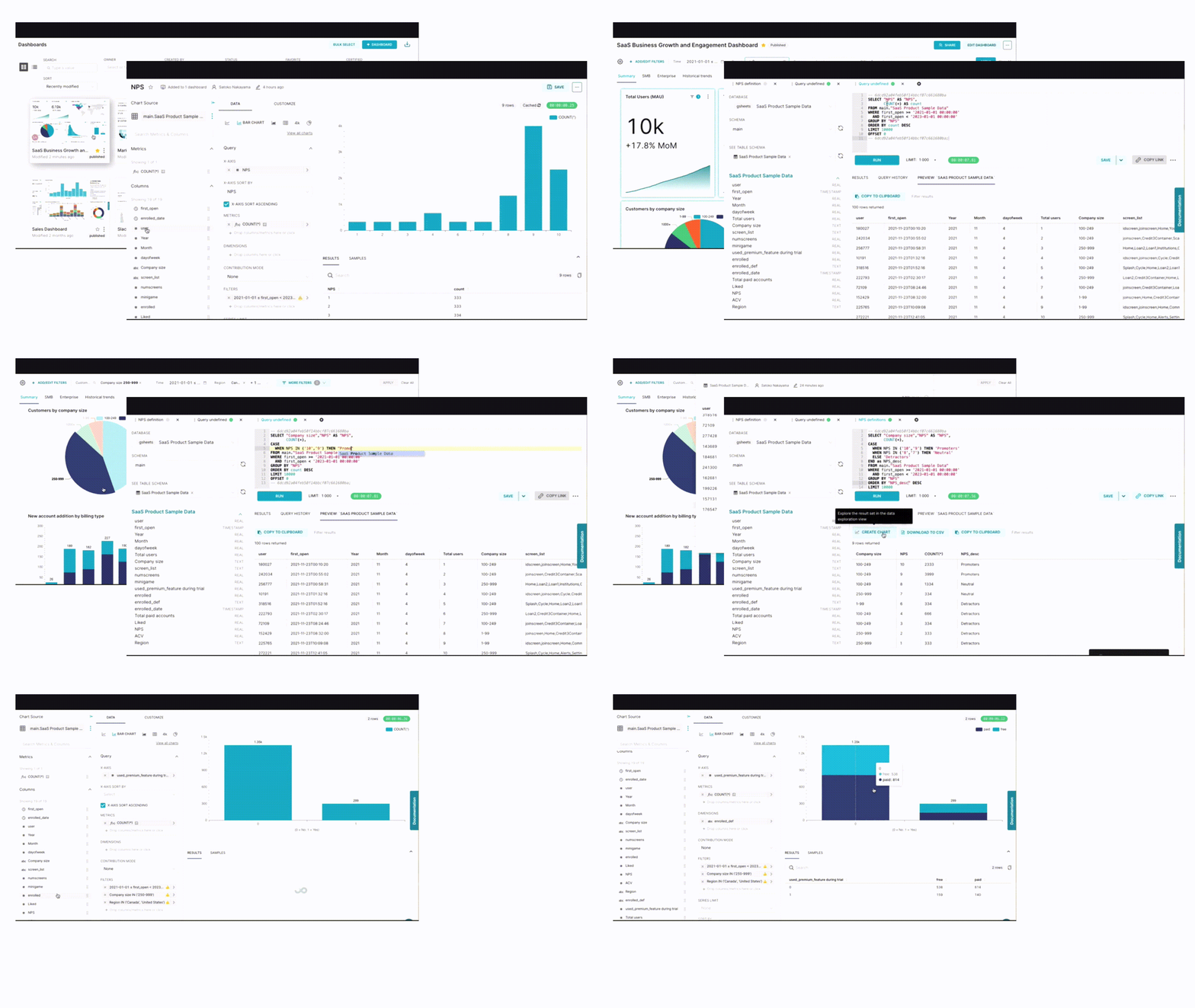
Manual Setup: Fine-Tuning for Enterprise Deployments
For organizations seeking maximum control over their deployment environment and configuration settings, manual setup is the way to go. While it requires a more complex setup process, manual deployment offers unparalleled flexibility and customization options. Here's what you need to know about deploying Datapunkt manually:
Key Features:
- Maximum Control: With manual setup, you have full control over every aspect of your Datapunkt deployment, from infrastructure provisioning to configuration settings.
- Tailored Configuration: Customize Datapunkt to meet your organization's specific requirements and performance needs.
- Advanced Features: Manual deployment allows you to integrate advanced features such as Prophet integration, dashboard thumbnails, and alerts and reports seamlessly into your Datapunkt environment.
Deployment Steps:
- Infrastructure Provisioning: Set up your infrastructure environment, including servers, databases, and storage solutions, according to Datapunkt's system requirements.
- Software Installation: Install and configure Datapunkt components, including the Datapunkt application, database backend, and any additional dependencies or plugins.
- Configuration: Fine-tune Datapunkt configuration settings to optimize performance, security, and resource utilization.
- Testing and Validation: Thoroughly test your Datapunkt deployment to ensure stability, functionality, and compatibility with your organization's data sources and analytics workflows.
Docker-Compose: Easy Setup for Local Development
For developers and small teams looking for a quick and hassle-free way to get started with Datapunkt, Docker-compose provides an ideal solution. Docker-compose simplifies the setup process by bundling Datapunkt and its dependencies into a portable, containerized environment. Here's what you need to know about deploying Datapunkt using Docker-compose:
Key Features:
- Easy Setup: Docker-compose offers a straightforward setup process, making it perfect for trying out Datapunkt and local development.
- Portability: Containerization ensures that your Datapunkt environment is consistent and reproducible across different platforms and environments.
- Built-in Features: Some features, such as caching, are included by default in the Docker-compose stack, providing a ready-to-use environment for exploring Datapunkt's capabilities.
Deployment Steps:
- Install Docker: Install Docker and Docker-compose on your local machine or development environment.
- Clone Repository: Clone the Datapunkt repository or obtain the Docker-compose configuration files from the official Datapunkt documentation.
- Configure Environment: Customize the Docker-compose configuration to suit your specific requirements, such as defining volumes, ports, and environment variables.
- Run Containers: Use Docker-compose to build and run Datapunkt containers, pulling in any necessary dependencies and setting up the environment automatically.
- Access Datapunkt: Once the containers are up and running, access Datapunkt through your web browser and start exploring its features and functionalities.
Datapunkt Cloud: Instant Deployment for Any Scale
For organizations looking for a hassle-free and scalable deployment option, Datapunkt offers our own cloud solution that eliminates the need for manual setup or infrastructure management. With our cloud deployment, Datapunkt handles the entire deployment process, allowing organizations to focus on their data analytics workflows without worrying about infrastructure maintenance or configuration. Here's what you need to know about deploying Datapunkt in the cloud:
Key Features:
- Zero Setup: Datapunkt cloud deployment requires no setup or infrastructure provisioning, allowing organizations to get up and running with Datapunkt instantly.
- Scalability: Datapunkt's cloud infrastructure scales seamlessly to accommodate organizations of any size, from individual users to large enterprises.
- Full Feature Set: All advanced features and capabilities of Datapunkt, including Prophet integration, dashboard thumbnails, and alerts and reports, are available out of the box.
Let's talk about Datapunkt's Deployment!

Conclusion
In conclusion, deploying Datapunkt offers organizations a flexible, scalable, and efficient solution for their data analytics needs. Whether you prefer manual setup for maximum control, Docker-compose for easy local development, or preset cloud deployment for instant scalability, Datapunkt has you covered. With its rich feature set and robust architecture, Datapunkt empowers organizations to derive valuable insights from their data and make data-driven decisions with confidence.